
Copier Models
By PrintEdge
At Print Edge, we offer a carefully selected range of high-performance multifunction copiers designed to meet the needs of modern offices. Each model is chosen for its reliability, efficiency, and ability to handle varying levels of workload from small teams to large enterprises.
All machines are available on flexible rental plans with full service and support.
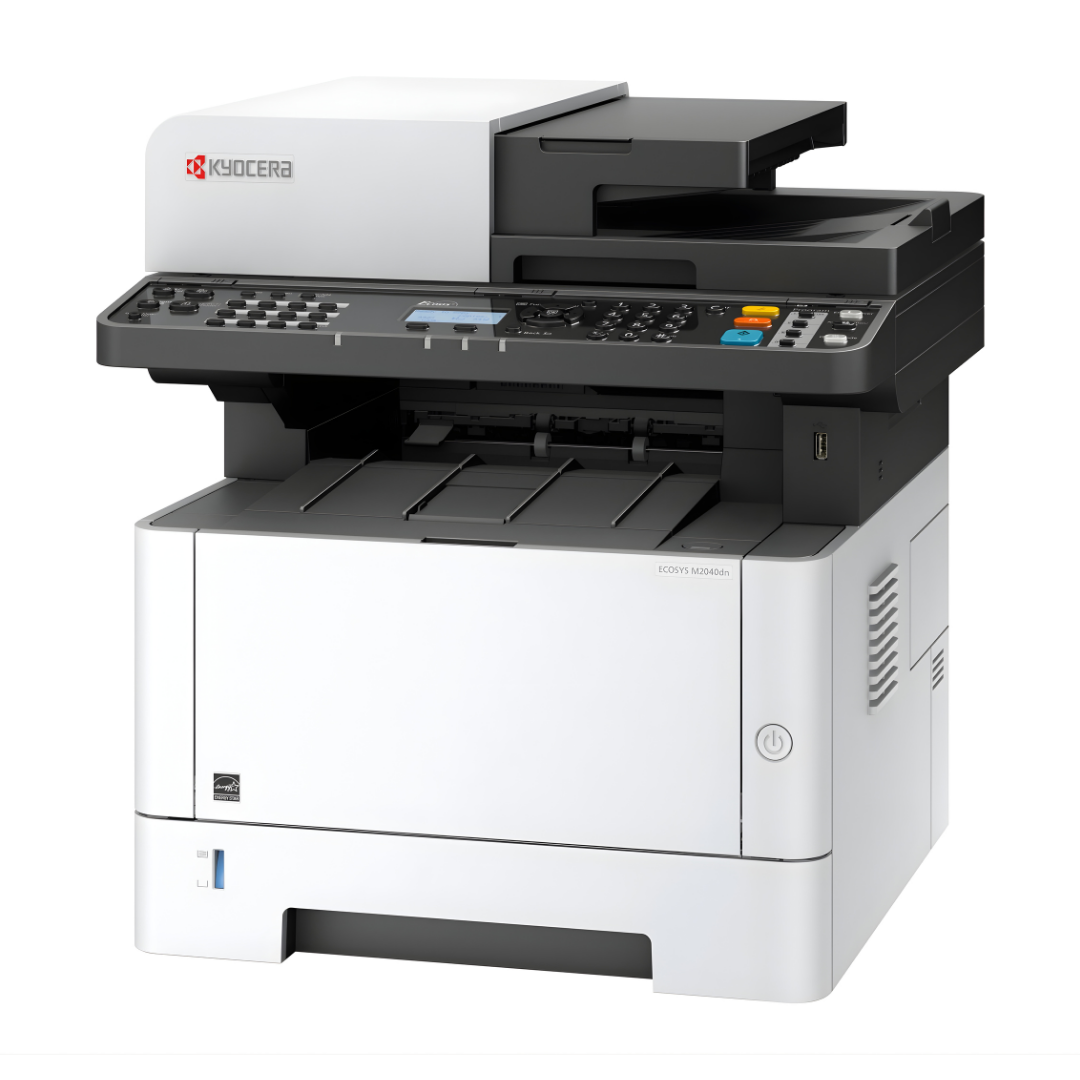
Kyocera M2040
The Kyocera M2040 is a compact and efficient all-in-one copier designed for small office environments. It handles everyday tasks like printing, scanning, and copying with ease, making it a reliable choice for teams with moderate workloads. Its automatic double-sided printing helps save paper and improve efficiency.
Key Features:
- Print, scan, and copy functionality
- Automatic duplex (double-sided) printing
- Space-saving compact design
- Easy to use for daily office tasks
Approx Size (W x D x H): 1 ft 4 in × 1 ft 4 in × 1 ft 5 in
Best for: Small teams / basic office needs
Why choose this model:
Ideal for small teams looking for a simple, cost-effective, and reliable copier for routine tasks.
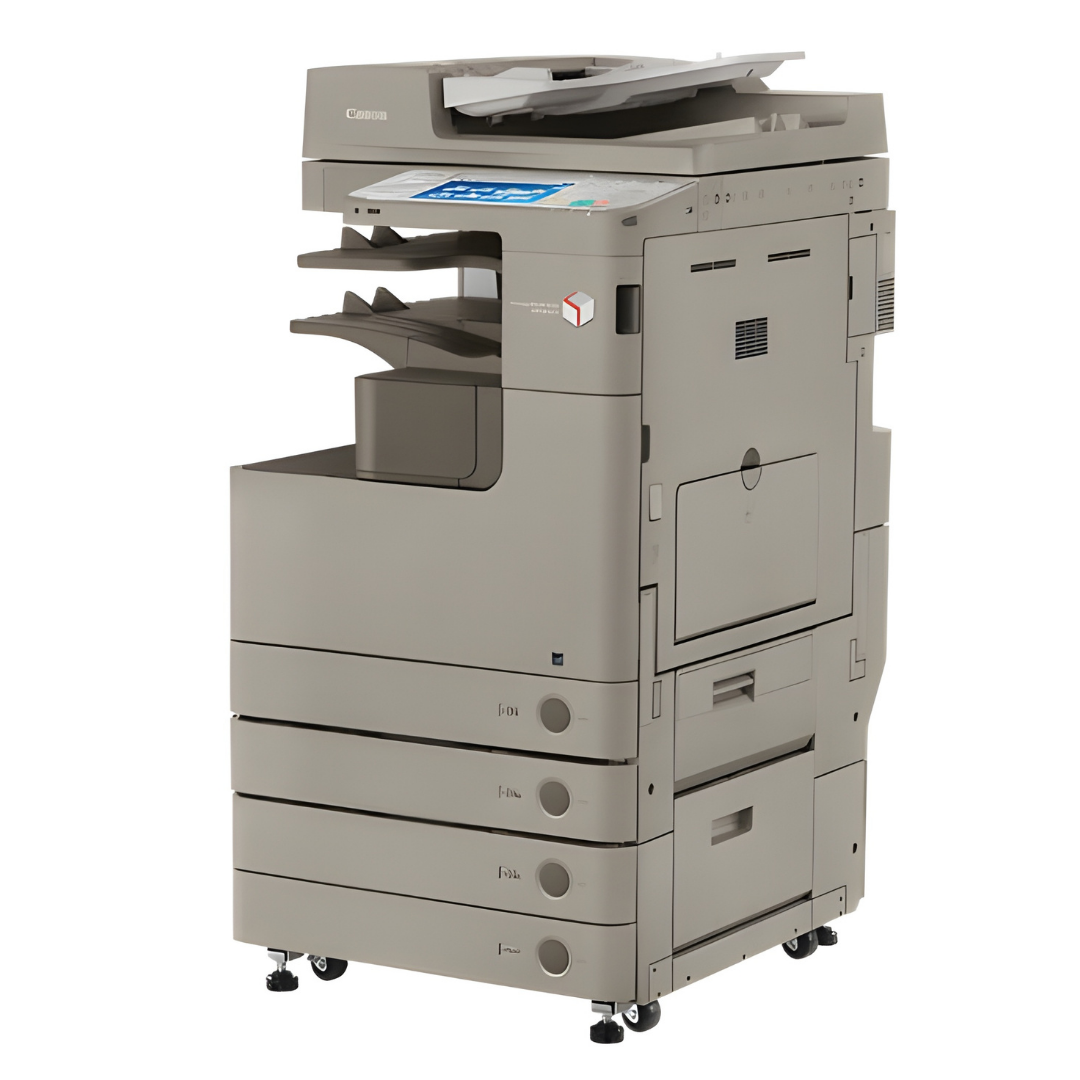
Canon imageRUNNER 4235
The Canon imageRUNNER 4235 is built for offices that require consistent performance and the flexibility of handling both A4 and A3 documents. It supports daily office workflows efficiently and is well-suited for teams with increasing printing and copying demands.
Key Features:
- Print, scan, and copy functionality
- Supports both A4 and A3 paper sizes
- Reliable performance for moderate usage
- Designed for productivity in growing offices
Approx Size (W x D x H): 1 ft 10 in × 2 ft 3 in × 3 ft 1 in
Best for: Growing / medium-sized offices
Why choose this model:
A great choice for offices that need A3 printing capability along with dependable everyday performance.
Years of Service
Clients Served
Copiers Installed
Support Given
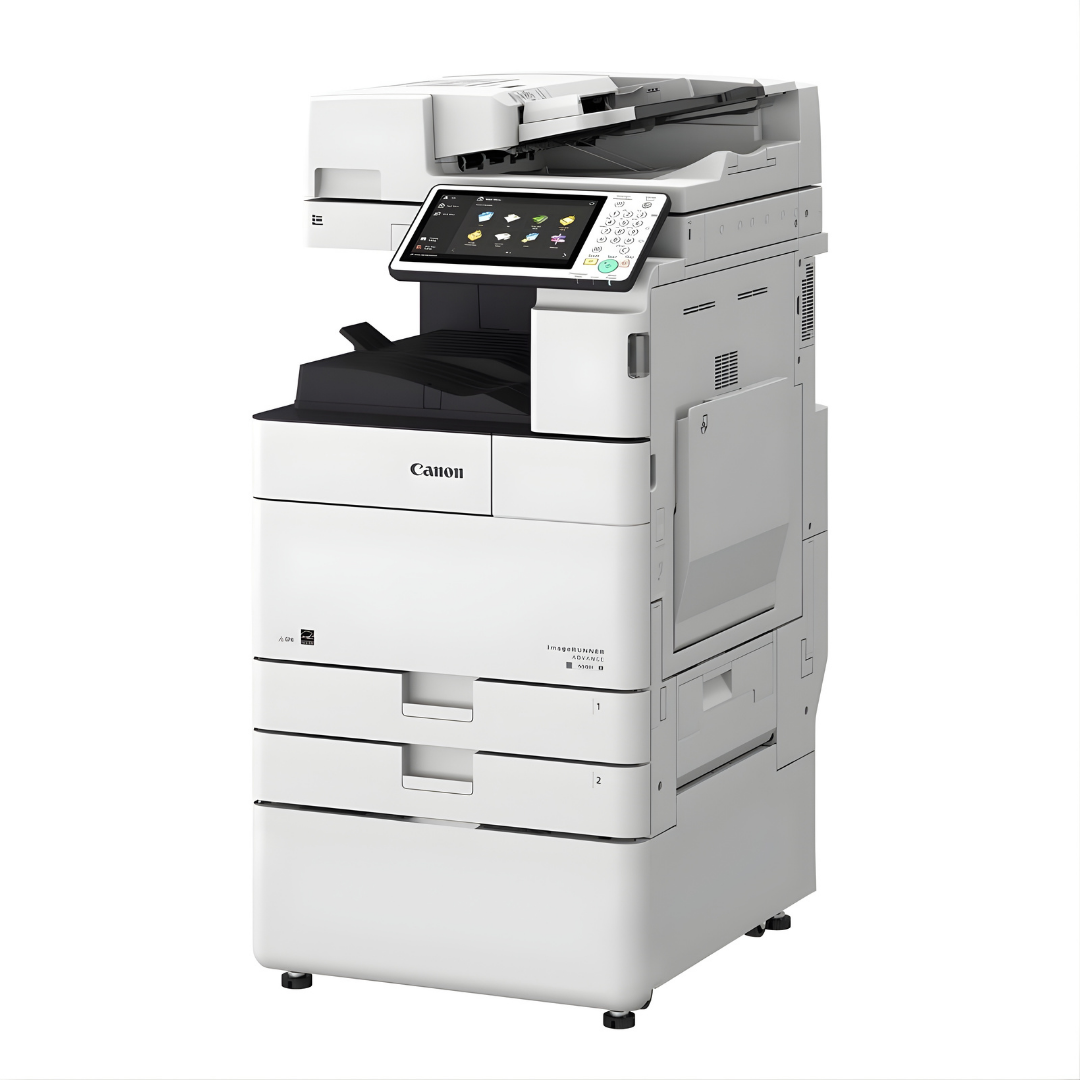
Canon imageRUNNER 4535
The Canon imageRUNNER 4535 is a high-performance copier designed for demanding office environments. With support for heavy workloads and built-in Wi-Fi connectivity, it enables seamless operation and flexibility for modern workplaces.
Key Features:
- Print, scan, and copy functionality
- Wi-Fi enabled for wireless convenience
- Built for high-volume usage
- Efficient and fast for large teams
Approx Size (W x D x H): 1 ft 10 in × 2 ft 3 in × 3 ft 1 in
Best for: Large teams / high usage
Why choose this model:
Perfect for large teams that require speed, reliability, and wireless connectivity for heavy daily usage.
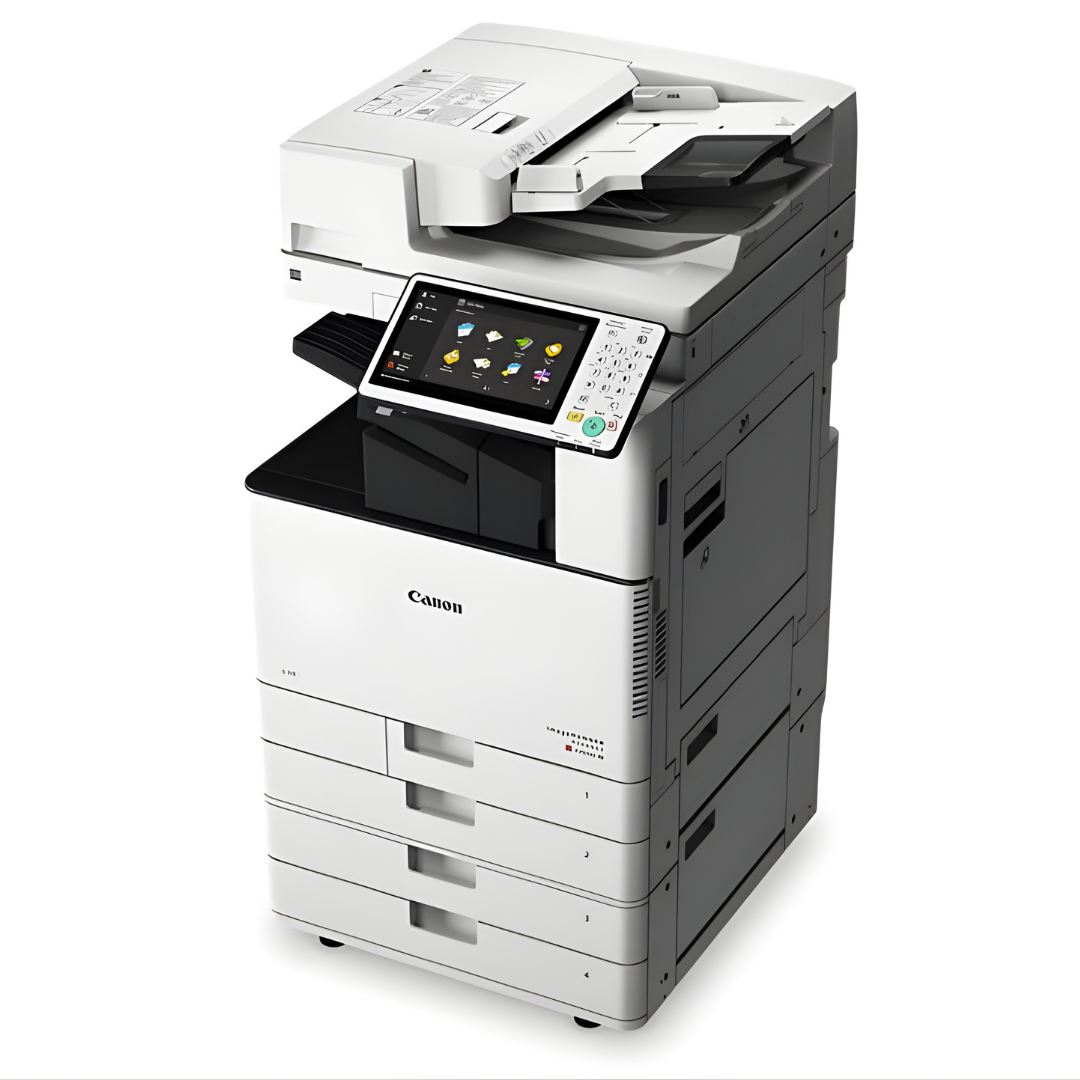
Canon IRC 3520 Colour Printer
The Canon IRC 3520 is a versatile colour copier designed for businesses that need both high-quality colour and standard black & white printing. With support for A4 and A3 sizes, it’s suitable for presentations, marketing materials, and everyday office use.
Key Features:
- Colour and black & white printing
- Print, scan, and copy functionality
- Supports A4 and A3 paper sizes
- Ideal for professional-quality output
Approx Size (W x D x H): 1 ft 10 in × 2 ft 3 in × 3 ft 1 in
Best for: Offices needing colour prints
Why choose this model:
Best suited for offices that require vibrant colour prints along with reliable everyday functionality.
Talk to us
Benefits of Renting vs Buying
Renting provides a cost-effective and hassle-free alternative to buying, with no upfront investment, fixed monthly costs, and full maintenance support allowing your business to stay focused and efficient.
Renting a Printer
- No upfront investment, preserving your cash flow
- Fixed monthly cost for easy budgeting (cost comparison advantage)
- Maintenance included with ongoing service and support
- Quick replacements and minimal downtime
- Easy upgrades as your business needs grow
- No concerns about depreciation or resale
Buying a Printer
- High initial capital investment required
- Unpredictable expenses for repairs and servicing (cost variability)
- Maintenance handled internally or at additional cost
- Risk of downtime impacting productivity
- Limited flexibility to upgrade
- Asset depreciation over time
Frequently Asked Questions
Why should you rent a printer?
If you are running low in budget or if you are a startup, you must be facing difficulty to manage cash flow. So, to make sure that you can ensure seamless operation in the facility without being a burden on the capital, renting is perhaps the best solution. We haven included different types of renting packages so that you can choose a printer renting service as per your needs.
Why should businesses choose Print Edge for printer rentals?
Print Edge combines over three decades of industry experience with reliable service, flexible plans, and a strong focus on minimizing downtime while ensuring smooth and uninterrupted business operations.
What services does Print Edge offer?
Print Edge specializes in printer and copier rentals, providing end-to-end document solutions including installation, maintenance, and ongoing support for businesses of all sizes across various industries.
How does the printer rental process work with Print Edge?
With Print Edge, the process is simple—we assess your requirements, recommend the right machine, install it at your office, and provide continuous service support throughout the entire rental period.
Does Print Edge provide maintenance and technical support?
Yes, Print Edge includes complete maintenance and technical support in its rental plans, ensuring your printers run smoothly without additional effort, cost concerns, or operational disruptions for your team.
Can Print Edge support growing or multi-location businesses?
Absolutely. Print Edge offers scalable solutions and can manage printer rentals across multiple office locations while maintaining consistent service quality, performance standards, and reliable support everywhere.
Are Print Edge rental plans flexible, and how can I get started?
Yes, Print Edge offers flexible rental plans that can be easily adjusted based on your printing volume, business growth, or changing operational needs without disrupting your workflow. Getting started is simple just reach out to our team, and we’ll guide you in selecting the right printer solution and handle the complete setup quickly and efficiently.